

For figure-skating coaches · iPhone · in alpha testing
You coach the skater.
SkateLedger keeps the books.
Log lessons in a few taps at the boards. Create invoices, record payments, and keep competition expenses and receipts together.
Your rates, your currency. Nothing is sent to a parent unless you share it.

01 · Lesson logging
Log it, then leave it alone.
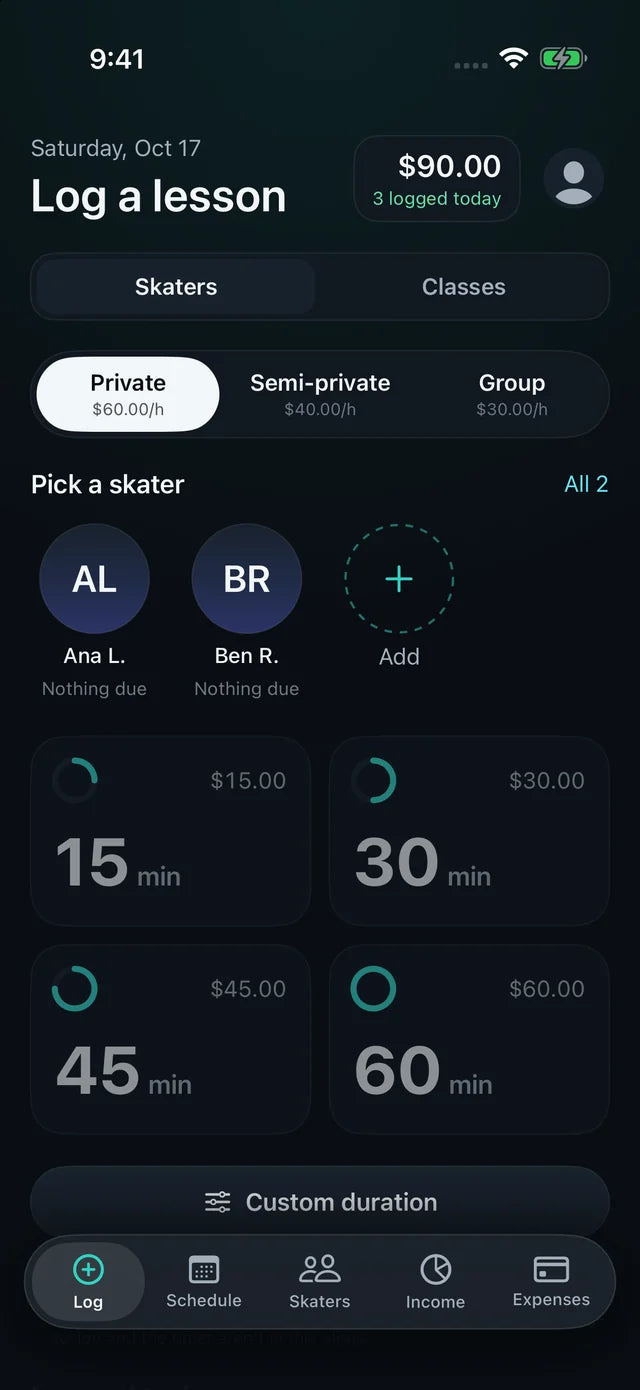
Pick the skater, then tap the lesson length. It's automatically added to their account for when you're ready to send the next invoice.
-
Tap a skater, tap a length15, 30, 45 or 60-minute tiles show the price before you tap. Private, semi-private and group rates are yours to set.
-
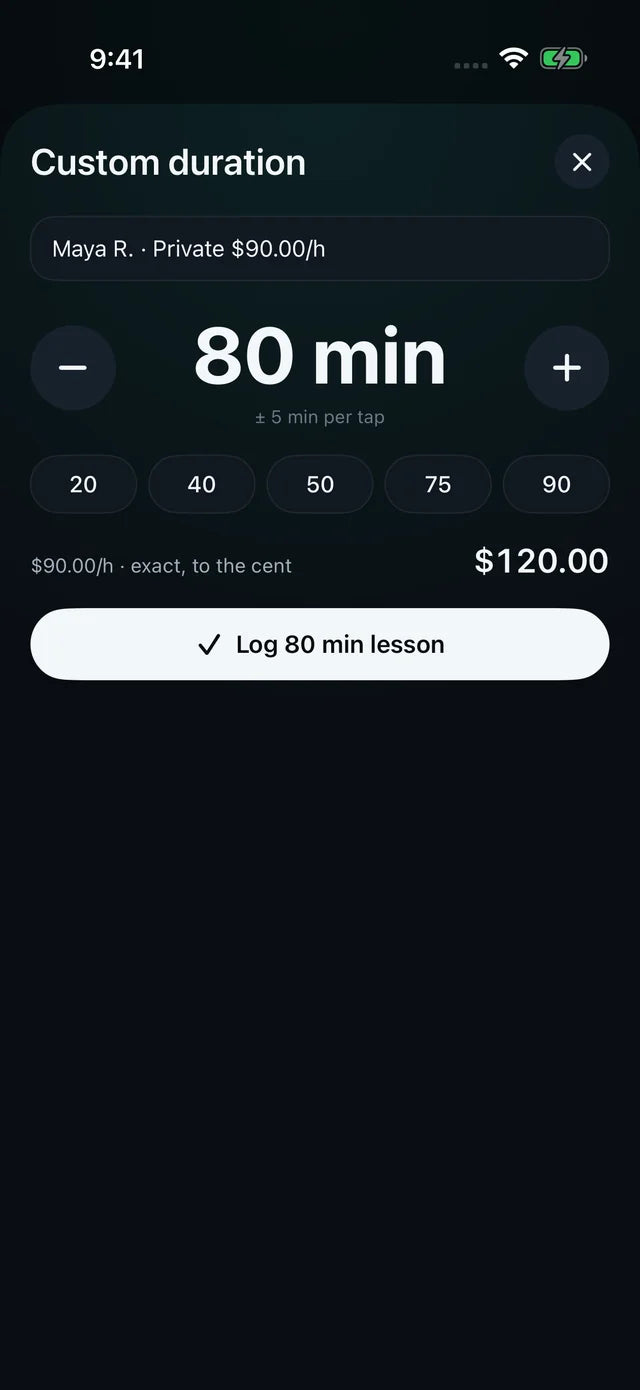
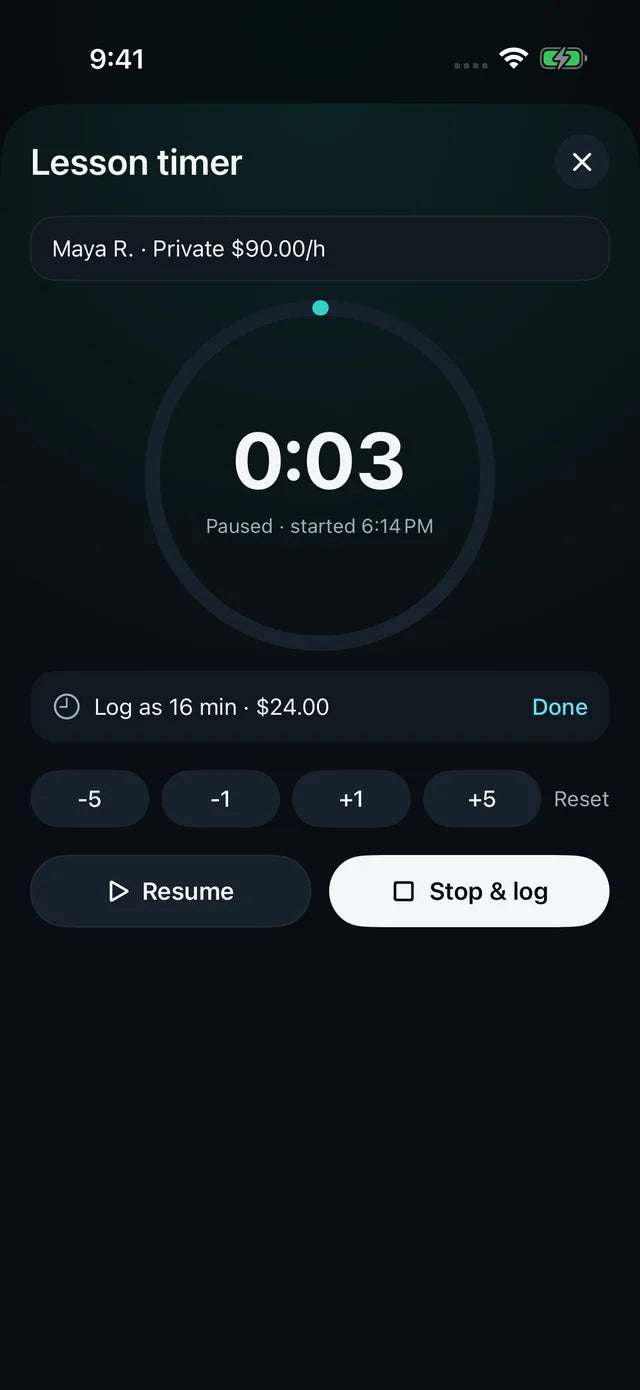
Custom lesson times, your way.Set any length from 5 to 240 minutes, or run a lesson timer with pause and edit, then Stop & log.
-
Undo, and today at a glanceA short Undo follows every log, and the header keeps today's total and lesson count.
-
Classes tooLog Learn to Skate classes to a program account, billed by class length.
02 · Skater accounts & invoices
You teach balance.
We keep track of theirs.
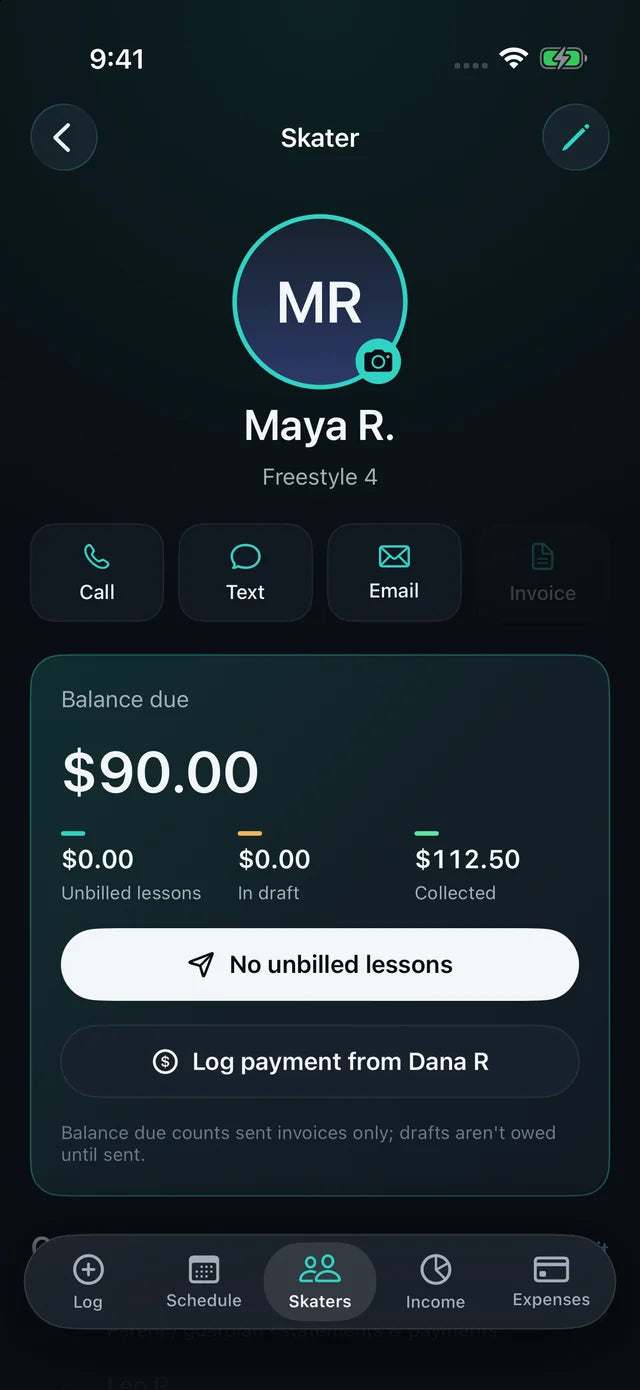
SkateLedger tracks each skater's lessons, invoices, payments, and running balance—so you can focus on coaching.
-
Skater and family accountsPhoto, parent contact and lesson history, with Call, Text and Email one tap away.
-
Drafts you check firstDrafts never count as billed. Send gives the invoice its number and due date.
-
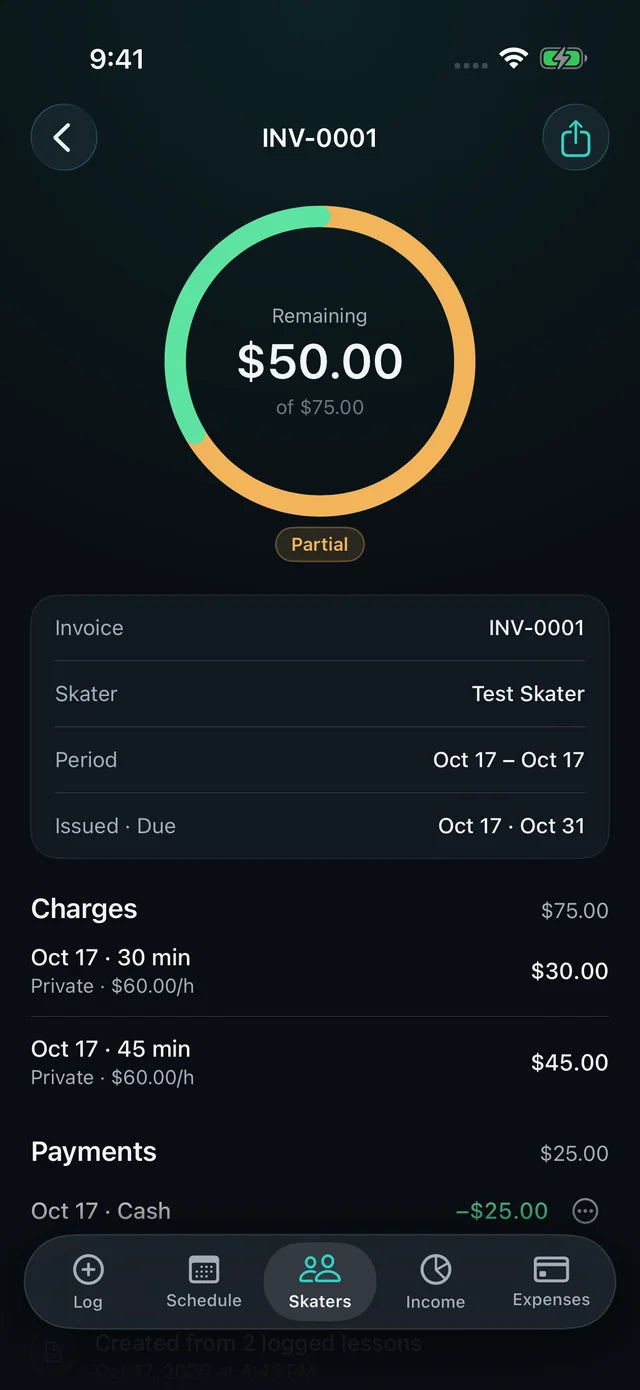
Record full or partial paymentsCash, check, Zelle, Venmo, card or other, split across open invoices.
-
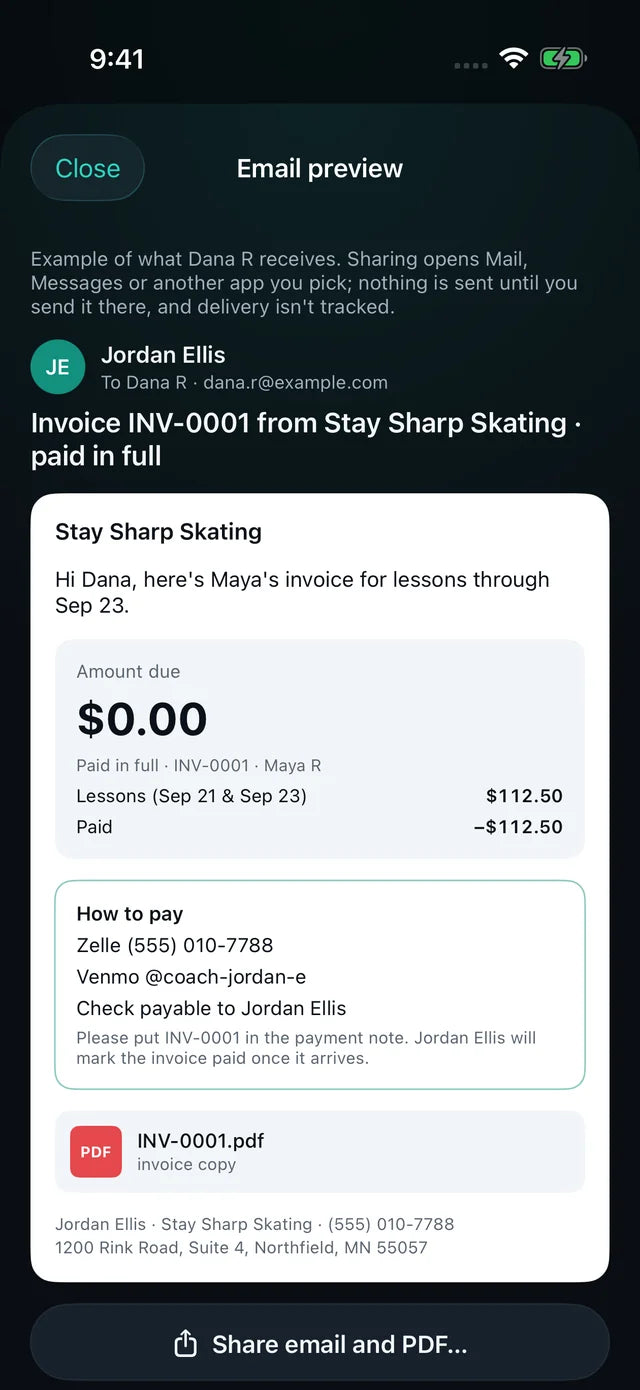
Share it your wayPreview the invoice email and PDF, then share from Mail or Messages. Statements cover several invoices at once.
- Draft
- Unpaid
- Partial
- Paid
- Overdue
03 · Income
Know what's billed, collected and still owed.
Income by month, year or all time. Drafts and unbilled lessons are shown separately, so nothing is counted before it's sent.
- Billed
- $1,240.00
- Collected
- $860.00
- Outstanding
- $380.00
Sent invoices, by send date
Payments, by payment date
Sent totals minus payments

Built for the minutes between lessons.
Gloves on, phone in one hand, the next skater already lacing up.

04 · Competition expenses & receipts
Your glovebox isn't an accounting system.
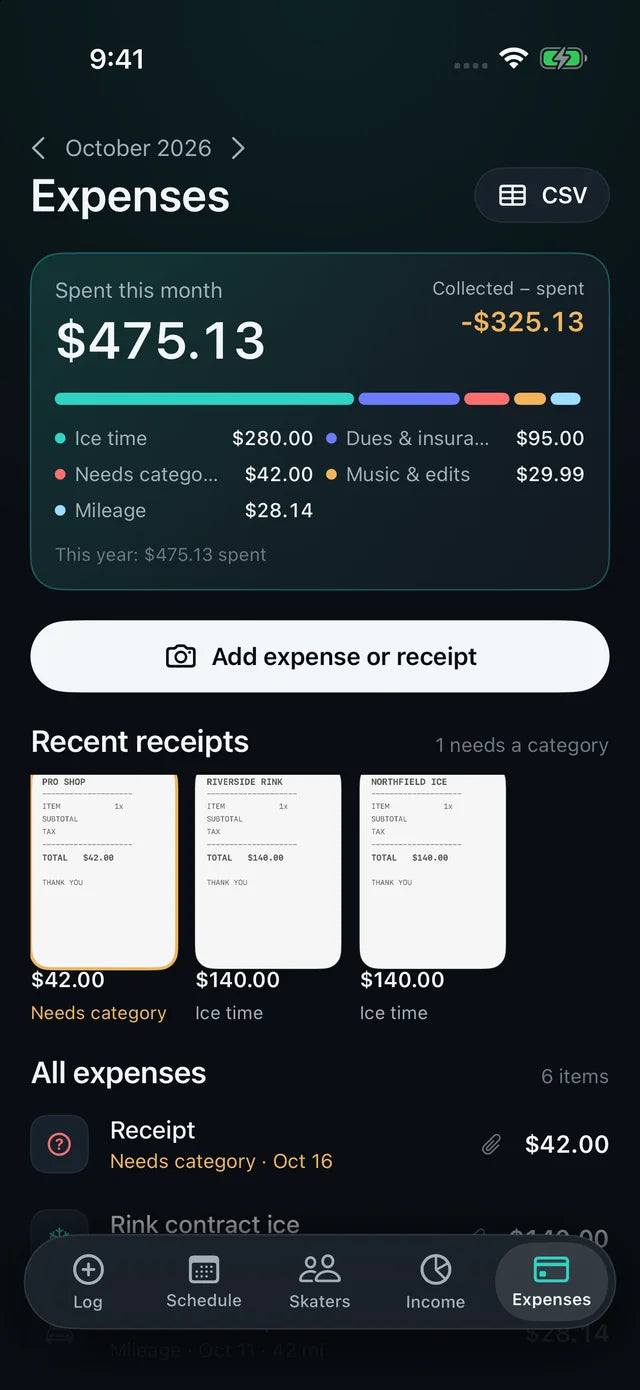
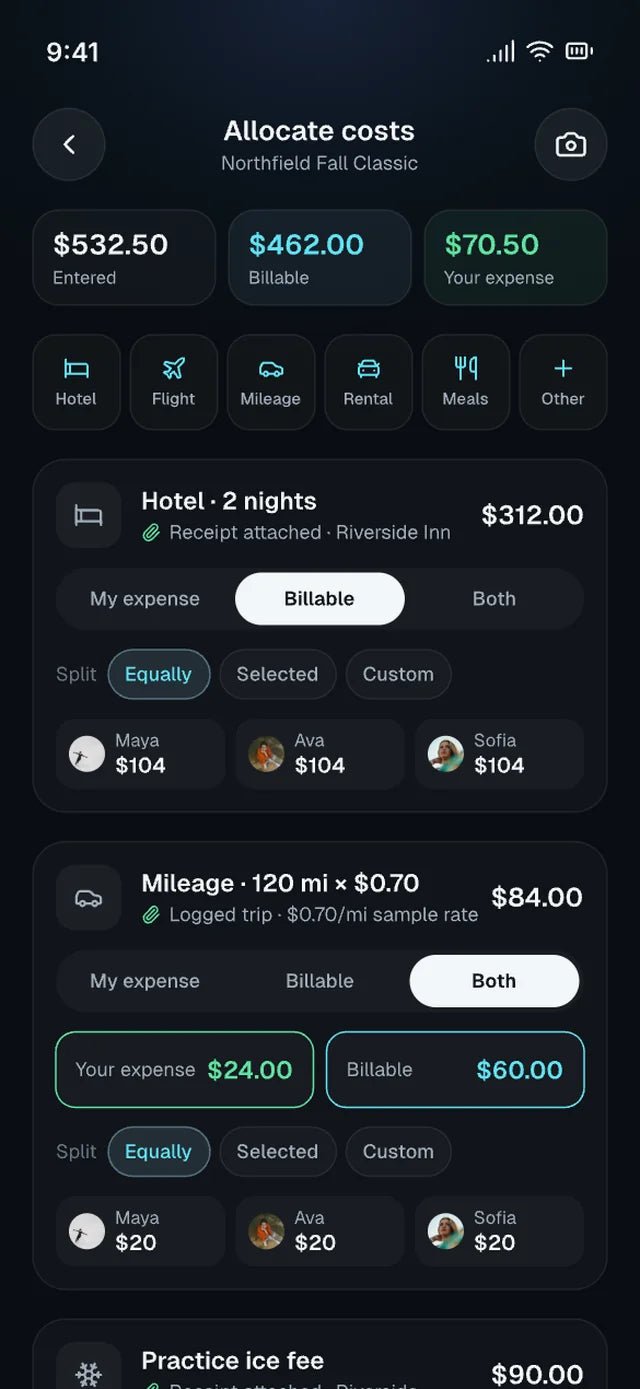
Snap a receipt, give it a category and see what you've spent this month next to what you've collected. Competition costs can be split between your business and the skaters you travelled with.
-
Expense or receipt in one stepPhoto the receipt; anything without a category is flagged until you sort it.
-
Split competition costsAllocate a travel or event expense across skaters, with reimbursed and net amounts kept apart.
-
Mileage at your rateEnter the distance and your per-mile or per-km rate; the amount is calculated for you.
-
CSV for your accountantExport expenses as a CSV whenever you need them.
05 · How it works
From first lesson to paid invoice.
Four steps. The same ones every week.
-
01Set your rates
Choose one business currency and enter your own rates for private, semi-private, competition and group lessons.
-
02Log as you teach
Tap the skater and the length at the boards. Each lesson is saved as unbilled.
-
03Review and send
Turn unbilled lessons into a draft, check it, then send. Share the email or PDF yourself.
-
04Get paid, stay square
Record payments, watch outstanding balances fall and keep expenses beside your income.

Coaching skaters? Help shape SkateLedger.
SkateLedger is in alpha testing. If you coach figure skating and want to know more, let us know.
Register interestiPhone app for figure-skating coaches